See how much time is left.
left this year
TimeLeft turns your day, week, month and year into a countdown you can watch move — with a goal list for each one, and countdowns for everything ahead.
What TimeLeft does
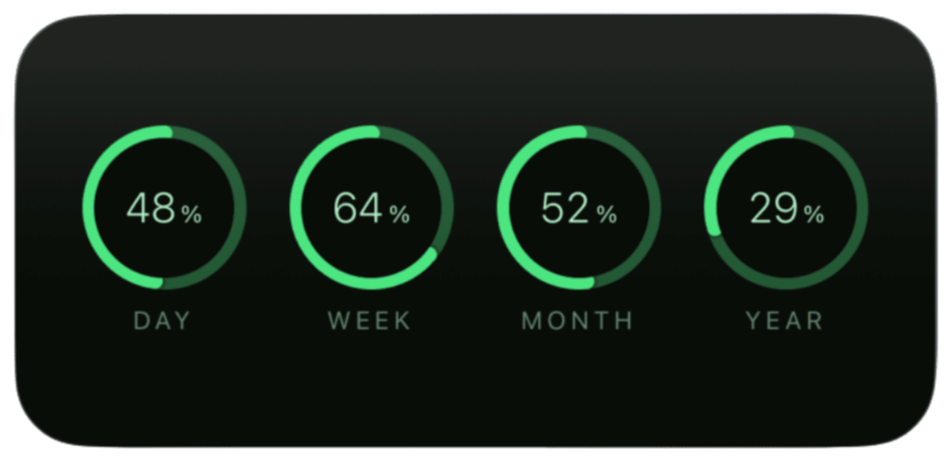
Day, week, month and year
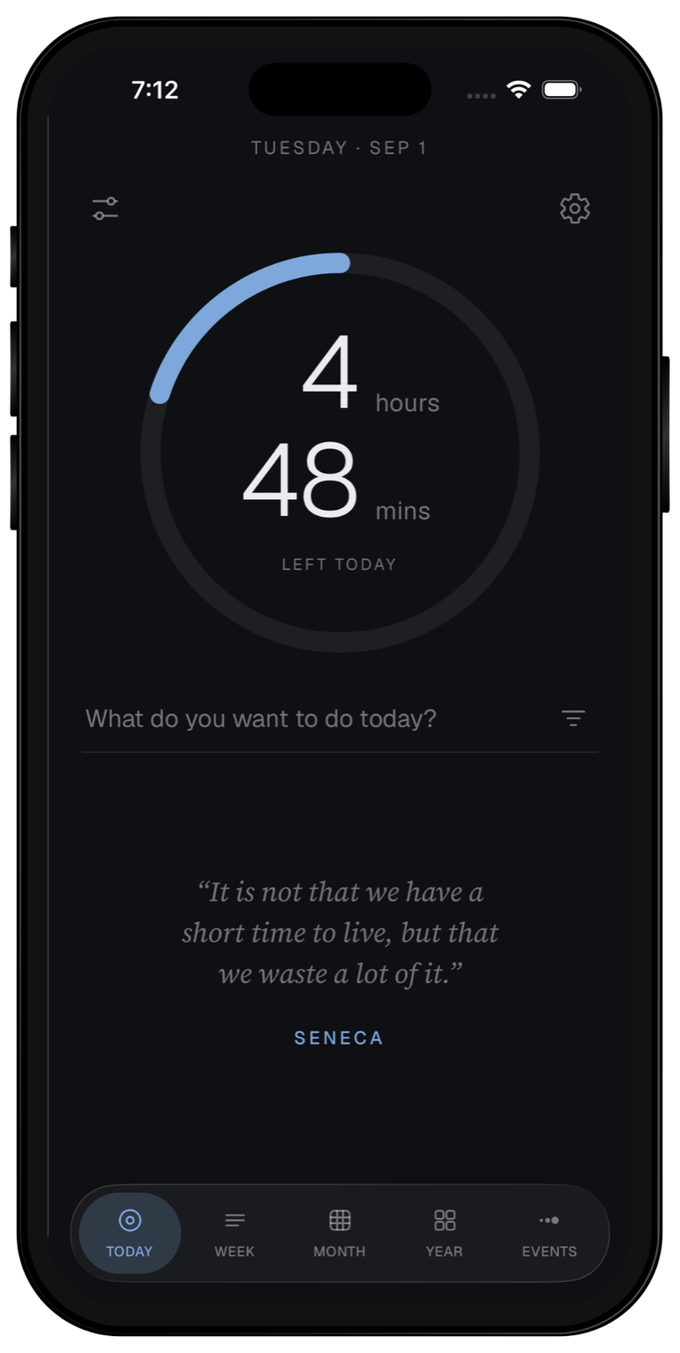
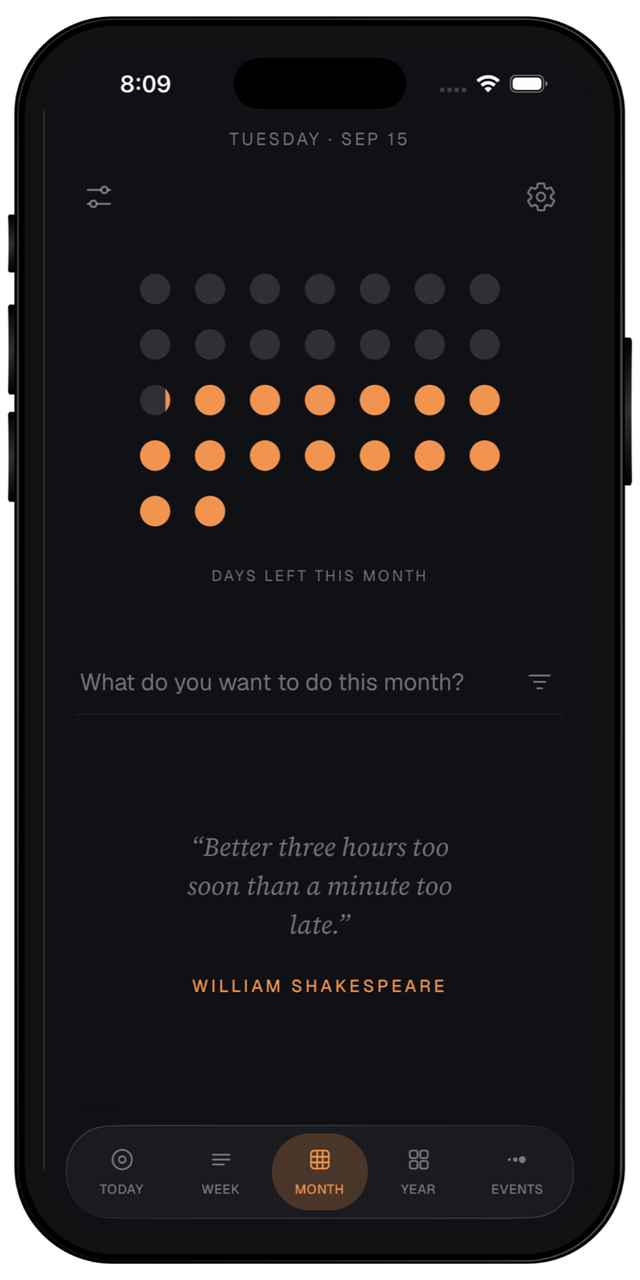
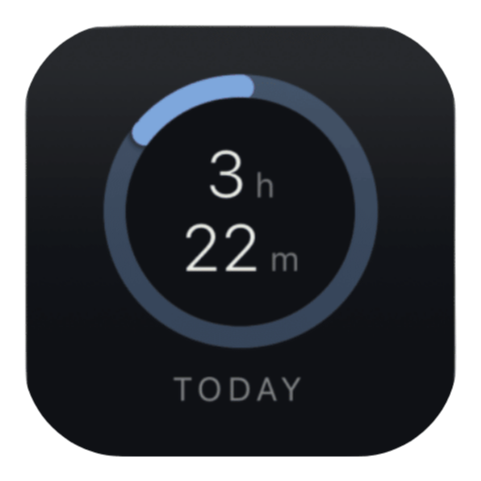
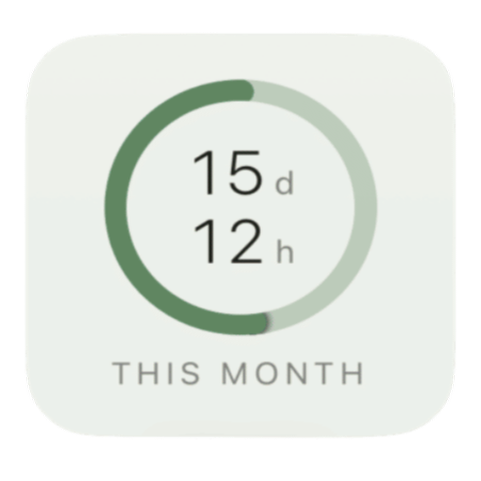
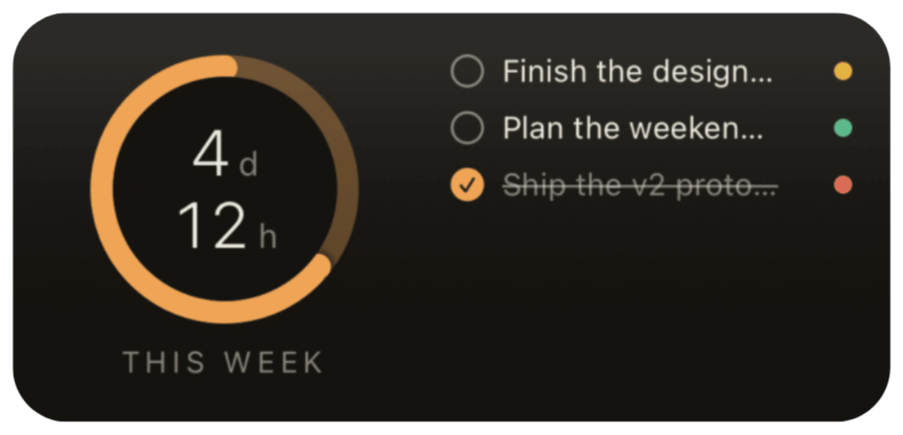
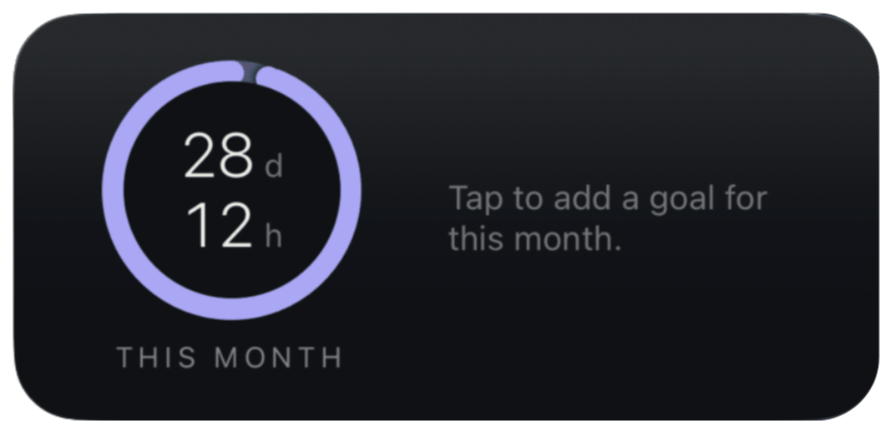
Four screens, one for each period, all updating every second. Tap a countdown to switch between three views — a large number over a depleting bar, a ring that empties as the period runs out, or a grid of dots. Each period remembers the view you left it in.
What today is actually for
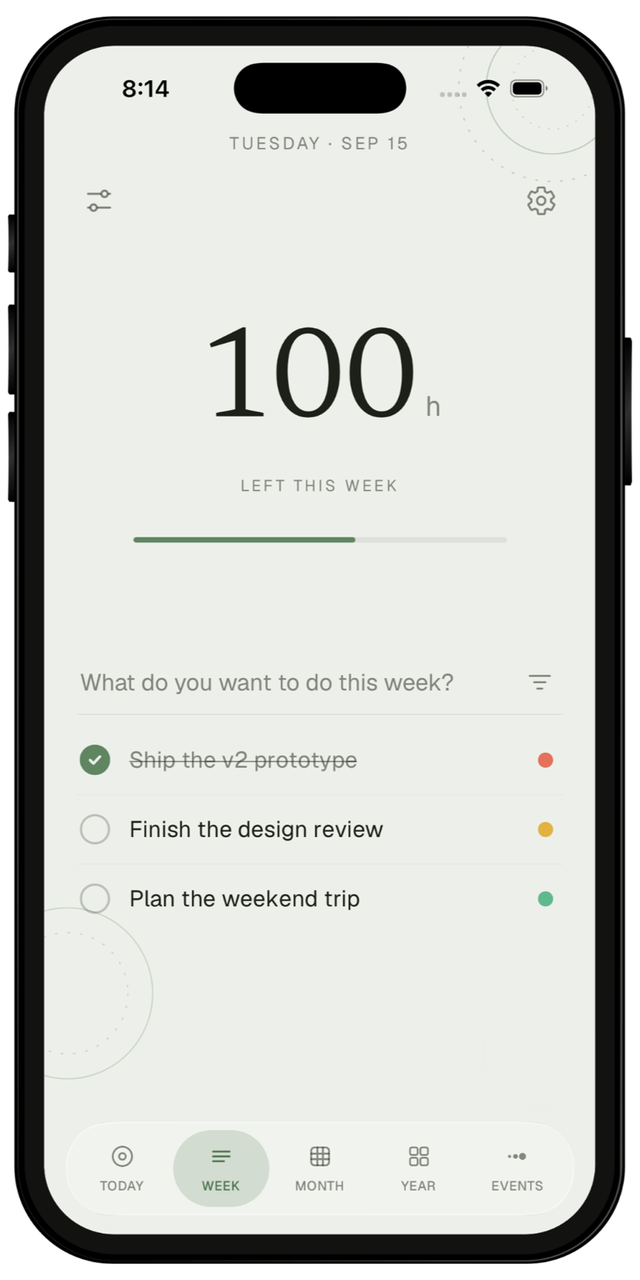
Every period keeps its own list, so what you want out of today sits under today's countdown and what you want out of the year sits under the year's. It is not one long to-do list with dates attached. It is four short answers to four different questions. Priorities and reminders are there when you want them.
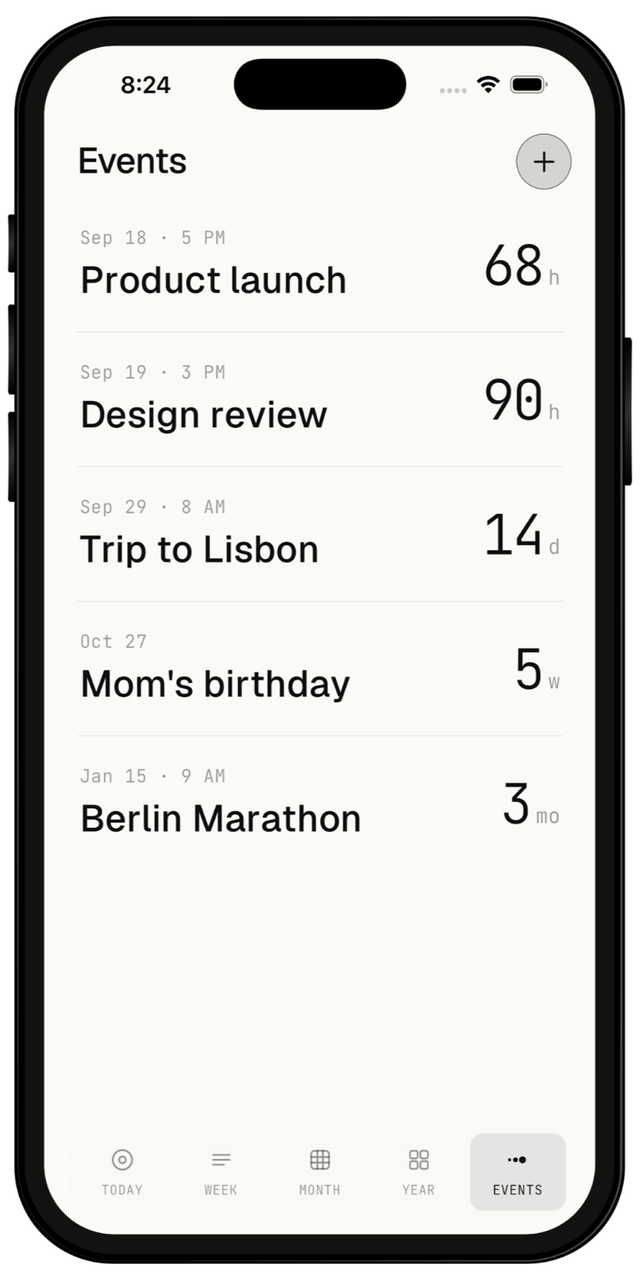
Countdowns to any date
Add a date and TimeLeft counts down to it — in months, then weeks, then days, then hours as it draws closer, so a trip next summer and a deadline tonight both read at the right scale. Set a reminder for the week, day or hour before. Past events clear themselves out, or stay on the list if you'd rather keep them.

Start with the time you have left today.
TimeLeft is free to download on iPhone and Android. There is no account to make, and nothing leaves your phone.
It is not that we have a short time to live, but that we waste a lot of it.